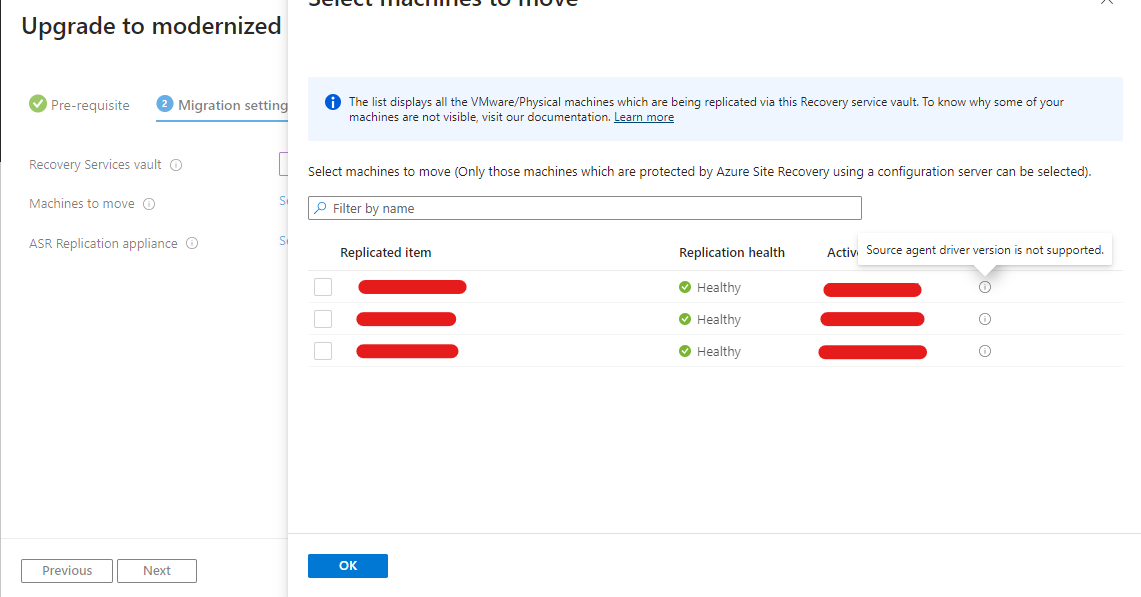
During a migration from a classic Azure Site Recovery (ASR) vault to modernized VMware replication, the migration wizard would not allow the virtual machines to be selected. It reported Source agent driver version is not supported, even though the agents had already been upgraded.
The missing step was straightforward: the virtual machines needed to restart after the agent upgrade.
Context#
Before starting the migration, deploy the modernized ASR vault in Azure and install the new ASR appliance.
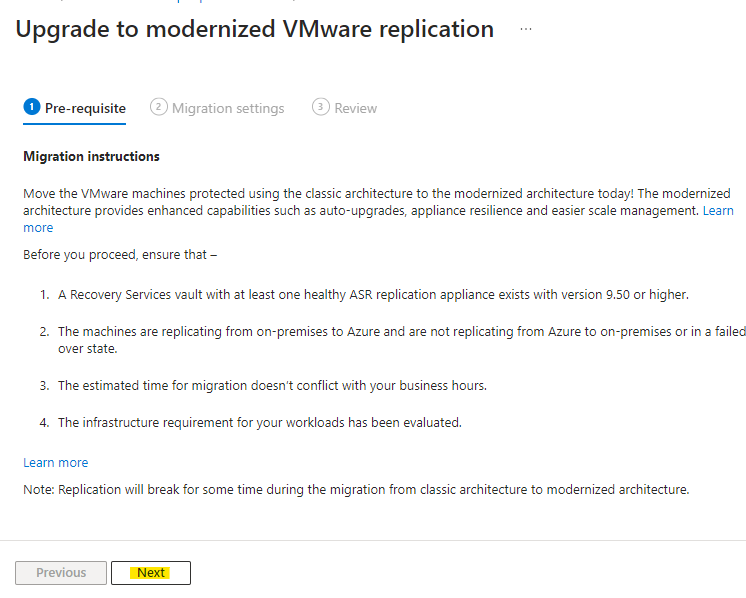
In the classic ASR vault, open Replicated items and select Upgrade to modernized VMware replication.
Review the prerequisites and click Next.
The source agent warning#
Select the destination vault and the machines to move. If the VMs cannot be selected, check whether the wizard displays Source agent driver version is not supported.
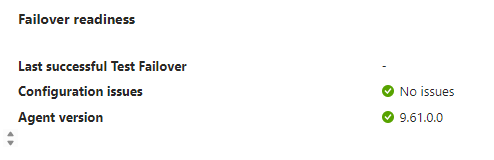
In this case, the replicated-item details showed that a current supported agent was installed, so another agent installation was not the missing step.
Resolution: restart after the agent upgrade#
The upgraded agent was present, but the VMs had not restarted since the upgrade. Restart the affected VMs during an approved maintenance window, then reopen the migration wizard.
After the restart, the warning cleared and the VMs became selectable in this case.
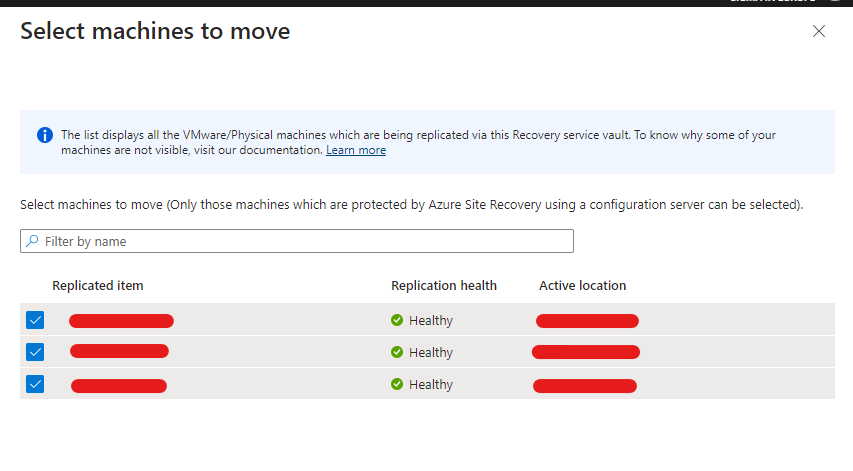
Select the new ASR appliance and click Next.
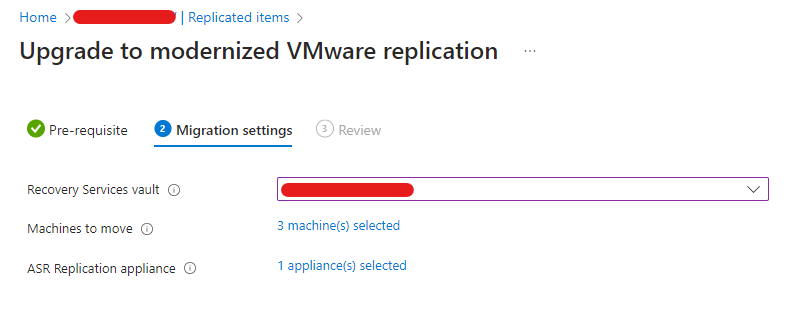
The selected VMs can now migrate to the modernized ASR vault and appliance.
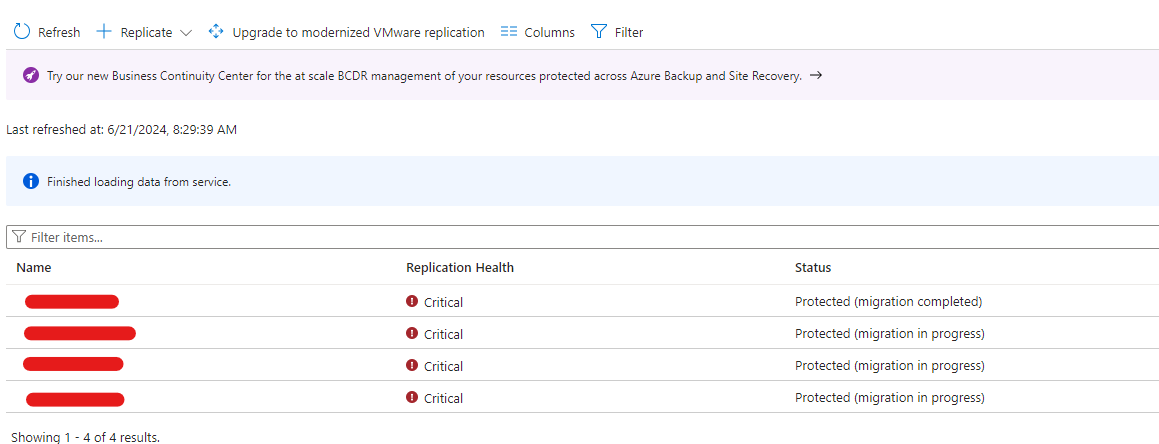
Result#
No further agent update was required in this case. A planned restart after the existing upgrade was enough for Azure Site Recovery to recognise the supported driver and allow the migration to proceed.